
Top Security Solutions
Compared
Ajax, Paradox and Arrowhead, installed and serviced by one Auckland team. We are building this guide brand by brand — starting with Ajax, the platform we reach for first on most jobs, and why.
Which system fits your property
All three are good systems. The right one depends on the property more than the badge on the panel.
Ajax
Wireless-first & smart
Detectors, cameras and access control in one hub and one free app. The system we install most — and where we start, below.
Jump to AjaxParadox
Hardwired & hybrid
Proven hardwired technology, cost-effective and reliable. The MG5050+ adds hybrid wired/wireless zones, controlled through the BluEye app.
Read moreArrowhead Elite
NZ-designed, NZ-made
Hardwired panels designed and manufactured in Silverdale, Auckland since 1986, backed by a 5-year warranty.
Read moreWhy we reach for Ajax first
Ajax is what most Auckland homes and small businesses end up with, and it is usually the first system we quote. It is wireless, it looks nothing like the beige box-and-keypad alarms people remember, and the whole system — alarm, cameras, access control — runs in one app rather than three.
The reason we lead with it is not marketing. It is that customers actually use it: arming from the car, checking a camera from the couch, giving the cleaner a code that switches itself off on a Friday. A system nobody uses is not doing its job, however good the sensors are.
Paradox and Arrowhead both have their place — see them above — but for most properties without a specific reason to go hardwired, Ajax is where we start.
One brand, several shapes
Ajax scales from an apartment to a warehouse without changing ecosystem — you are not locked into the tier you started with.

Ajax Hub 2 Plus
Up to 200 devices and 2,000m of wireless range, with 16 hours of battery backup and a built-in SIM that takes over automatically if the internet drops. What we fit on most standalone houses.
Read more
Ajax Fibra
Up to 100 detectors on one hub line over 2km of cable, powered and tamper-monitored through the wire itself. Fits before the walls close, or anywhere battery changes are not practical.
Read more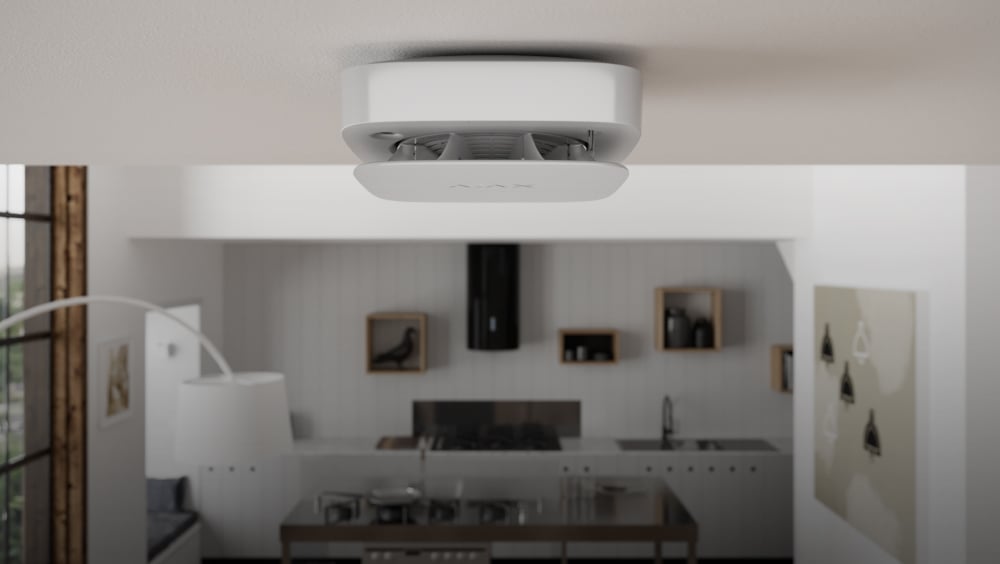
Compact & apartment systems
A smaller hub and a handful of detectors for an apartment, townhouse or rental — same app, same monitoring options, without paying for capacity a small property does not need.
Read more
Free, and it is not trying to sell you anything
The Ajax app costs nothing to download and nothing to run — there is no monthly cloud fee sitting behind the basic features, unlike some competing systems that charge a subscription just to view your own cameras.
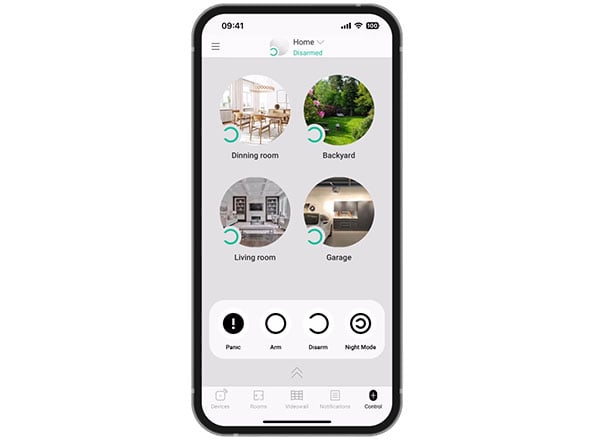
It is built to be used without a manual. Arm the whole house, arm just the perimeter overnight, or check a camera — it is two taps, not a menu tree. Most customers are confident using it themselves within the first week.
Notifications are built to actually reach you: alerts break through Do Not Disturb and arrive faster than an SMS, so a real event does not sit unread on a muted phone.
You do not need to be home to know what is happening
Arm and disarm from anywhere in the world, not just from the driveway. Left in a hurry and cannot remember if you set it? Check, and arm it, from the app instead of turning the car around.
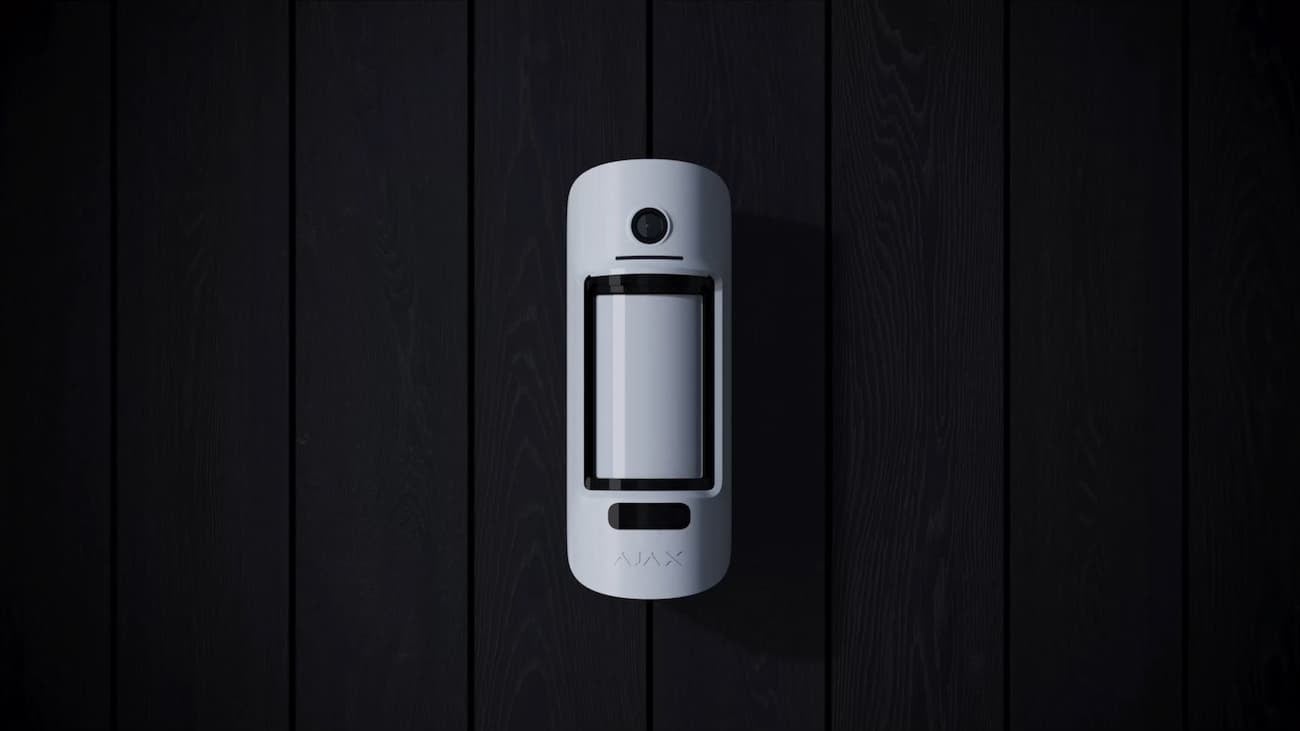
When something trips a sensor, Ajax's MotionCam sends a burst of photos straight to your phone so you can see what triggered it, not just that something did — self-monitoring the way most people actually want it.
Want a second set of eyes as well? Alarm Watch's 24/7 professional monitoring plugs into the same system as an optional add-on, not a requirement — you choose who responds, we do not decide it for you.
Set it once, let it run itself
Night Mode arms part of the property — perimeter only, say — so the kids can still get up for a glass of water without setting off the whole system.
Arm-by-schedule takes the human error out of it: the system arms itself at a set time whether or not anyone remembers, and disarms again around when the first person usually arrives.
Detector events can automate other things too — lights and locks respond to what a sensor sees, not just the siren.
One login, not three
Fobs, PIN codes, phone-based access or a smart reader at the door — all of it sits in the same Ajax app as the alarm and the cameras. One login for a manager, not three separate systems to administer.
Lock or unlock a door remotely, hand a cleaner a code that only works after hours and stops working on its own, and see exactly who came in and when — a real audit trail, not a guess.
It keeps working if the internet does not: doors still open and close on a local connection even when the link to the cloud drops.
See what tripped the alarm, in the same app
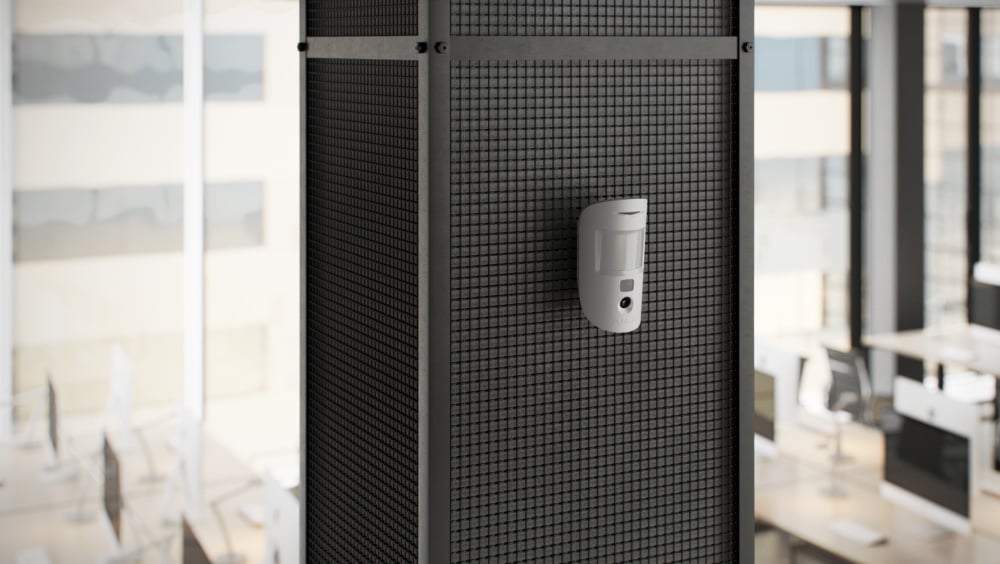
Ajax cameras are not a bolted-on afterthought — they report to the same hub, so arming the house and checking the driveway are the same screen.
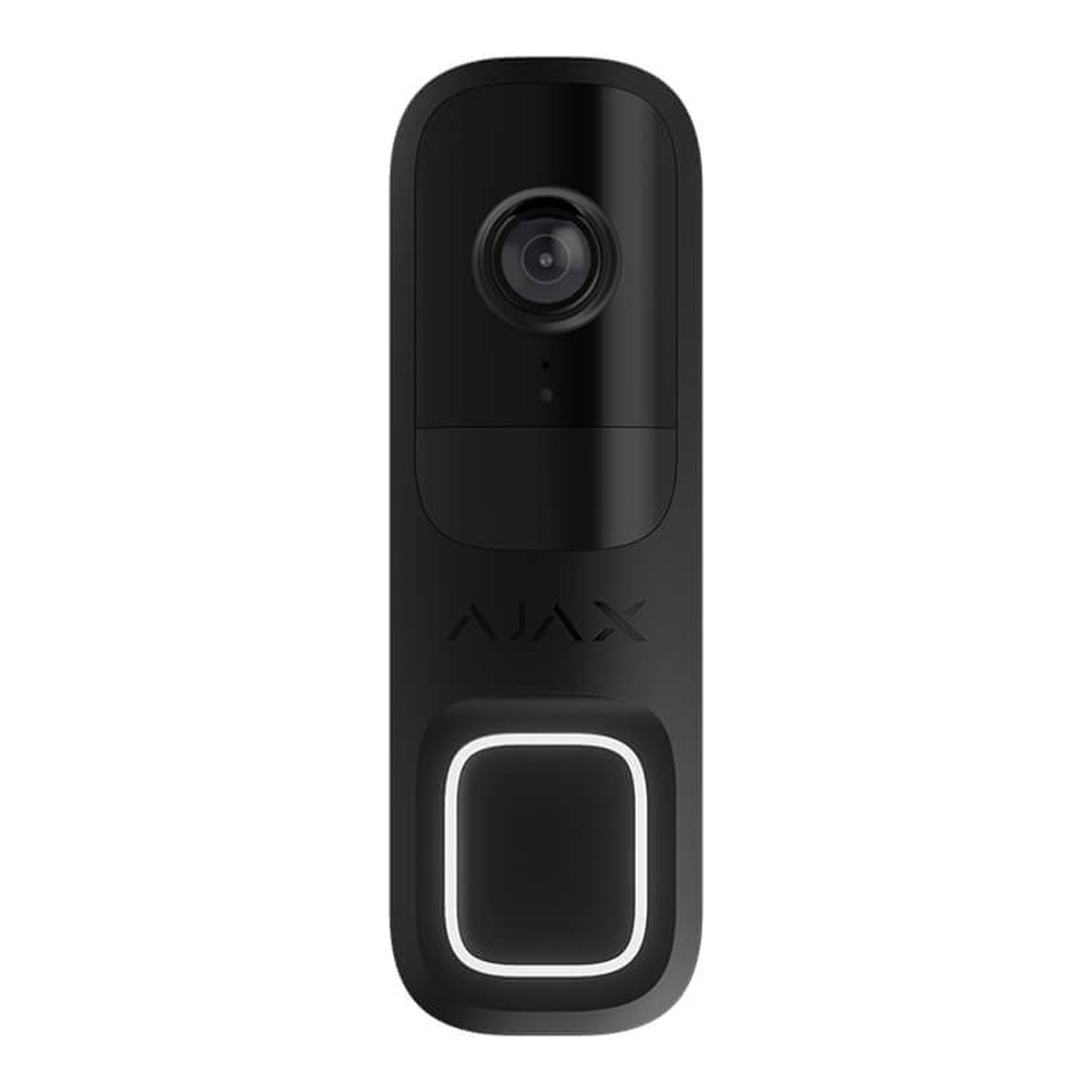
Ajax DoorBell
4MP HDR video at a 155° field of view, so you get the whole porch, not a chin. IR night vision to 6m, two-way intercom with noise and echo cancellation, and AI that tells a person from a cat before it bothers you with a notification.
Read more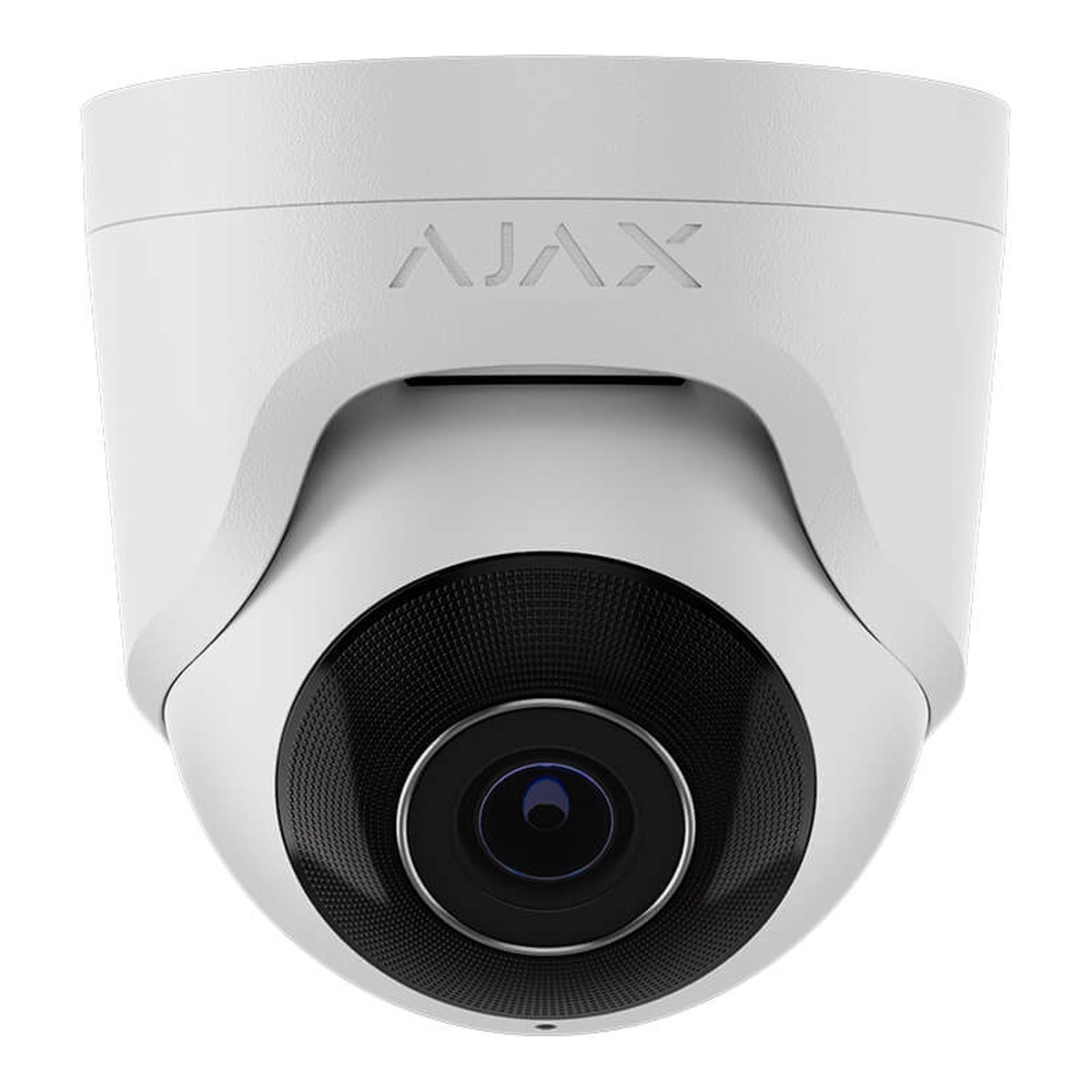
Ajax TurretCam
The outdoor workhorse — under an eave or on a wall, covering a driveway, gate or yard. Set to trigger and record the moment the alarm arms, with line-crossing detection for a defined boundary.
Read more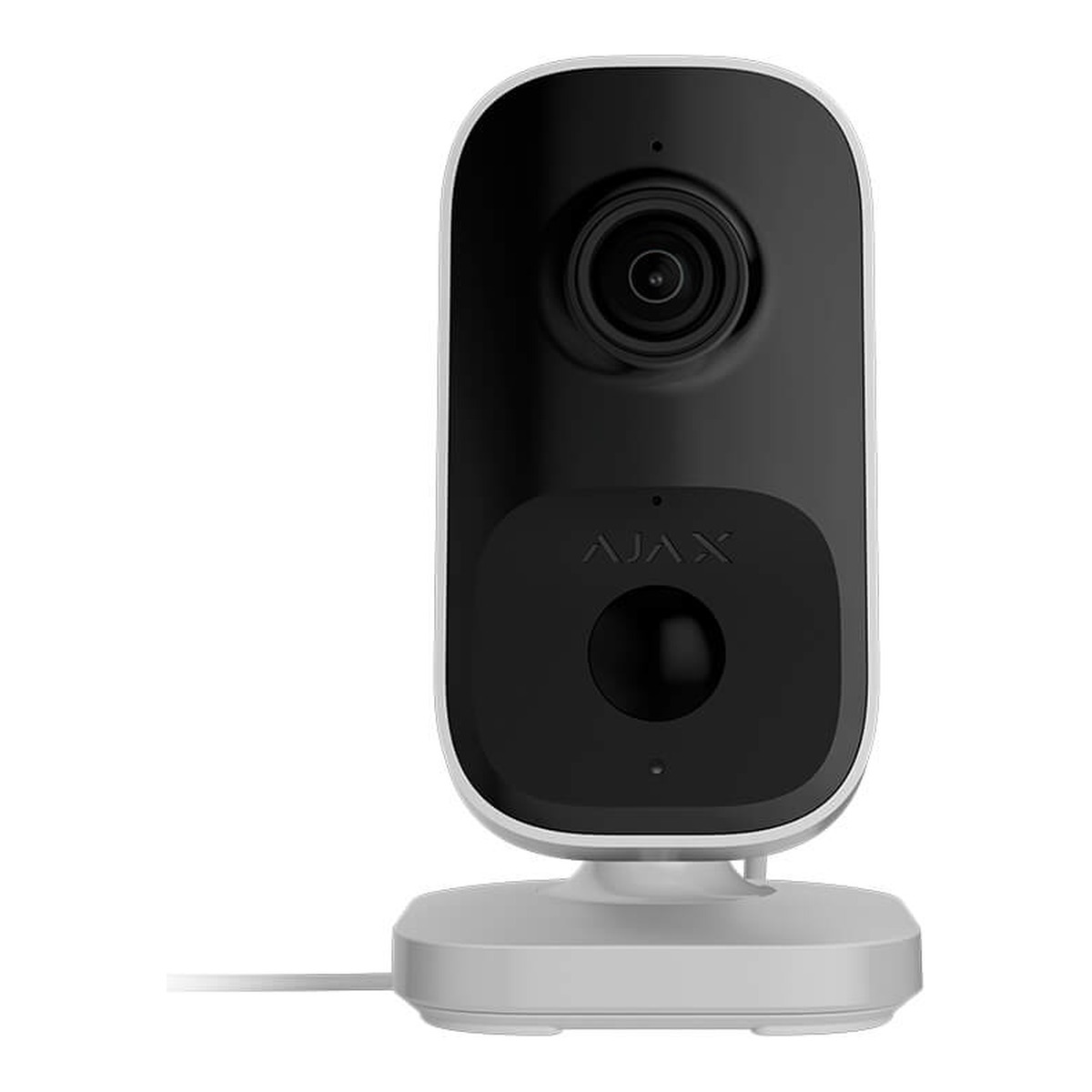
Ajax IndoorCam
For inside — a hallway, a stockroom, the room a back door opens into. Set to record only while the system is armed, so it is not watching the house all day.
Read morePrefer footage kept on site rather than only in the cloud? An Ajax NVR — including the Superior model's AI-powered search — records locally so you still have it if the internet drops.
Ajax questions
Yes — no subscription for the core alarm, camera and access-control features. Arm, disarm, get notifications and review footage at no ongoing cost. Professional 24/7 monitoring through Alarm Watch is optional, and the only part that carries a fee.
Yes, from anywhere with signal, not just from the driveway. The same app also lets you bypass a single zone before you leave, so you do not have to disarm the whole system for one open window.
Yes. MotionCam sends photo verification straight to your phone when something trips it, so you can see what happened yourself. Professional monitoring through Alarm Watch is available if you would rather someone else watch it.
Yes — Night Mode arms part of the property for overnight use, and you can set the system to arm and disarm on a schedule automatically, plus trigger lights or locks off detector events.
Yes. Fobs, PIN codes, phone access and smart readers all run in the same app and system as the alarm and cameras — one login, with a full log of who came and went.
No. Ajax cameras connect straight into your hub and app — no separate NVR or software required, though an on-site NVR is available if you want footage kept locally as well.
It depends on size and whether you want wired or wireless. Hub 2 Plus covers most standalone homes, Fibra suits new builds and larger sites, and a compact setup fits an apartment. We size it at the free site visit.
See Which System Suits Your Property
Free site assessment across Auckland, a fixed quote before the work starts, and an honest answer on whether Ajax, Paradox or Arrowhead is the right fit.
Get a Free Quote