
Ajax CCTV
Auckland
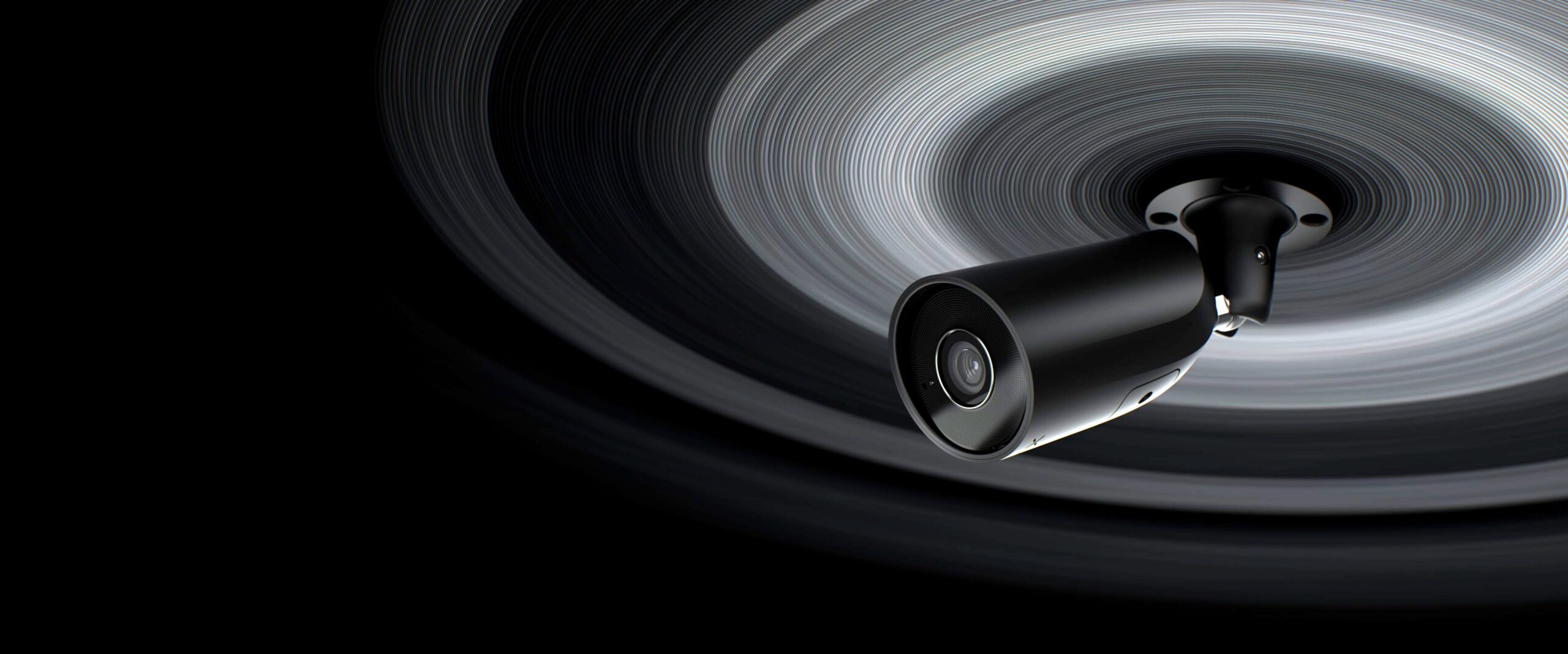
Cameras that run in the same app as your alarm, on the same system, with the same logins. One place to arm the house and one place to see the driveway — not two apps that do not know about each other.
Two systems, two apps, one bad night
Most people end up with two systems that do not talk to each other: an alarm from one company, cameras from another, and two apps that each want a different login. When something happens at 2am you are fumbling between them trying to work out what you are looking at.
Ajax cameras remove that. They run on the same hub, in the same app, under the same user accounts as the alarm. One place to arm the system, one place to check the driveway, one set of people who have access.
That matters most at the moment it is actually used. An alarm triggers, and the camera covering that zone is one tap away in the same screen — not a separate app you have to remember the password for.
Cameras that can set off the alarm
This is the part most people do not know about. On a current Ajax system the cameras are not just something you look at after the fact — when the alarm is armed, a camera can be the thing that raises it. A detector with a picture attached.
A camera becomes a detector
Set a camera to alarm while the system is armed and it behaves like any other detector: a person or vehicle in view raises the alarm, sounds the Ajax sirens and notifies everyone on the system.
It knows a person from a cat
Detection runs on the camera itself and tells people, pets and vehicles apart, so you choose what counts. Someone on the driveway at 2am can set it off; the neighbour's cat does not have to.
Entry delays, like any detector
A camera can follow the same entry and exit delays as the motion detector in the hallway, so coming home and disarming works exactly the way it always has.
Line crossing on the boundary
Draw a line across the gateway or the side path in the app, and a TurretCam alarms only when someone actually crosses it — not every time a car goes past on the street.
Footage with every alarm
It works the other way too. When any detector goes off, the camera covering that area captures what it sees, so the alarm arrives with pictures and you can check before you act.
The control room can look
Camera alarms can go to a monitoring centre with a link to live and recorded video, so an operator can see the event rather than guess at it. Worth asking about when you set up monitoring.
Two practical notes. Privacy is in your hands: cameras can be set to record only while armed, mask out a neighbour's window, and limit who can view them to armed periods or after an alarm. And these features are recent — they need an Ajax hub on current firmware (a couple of the oldest hubs are excluded) and up-to-date cameras and app, which we set up and check as part of the install. DoorBell and IndoorCam do not do line crossing.
Ajax cameras we install
Which ones you need comes out of the site visit, not a package. Cameras cover the ways in; the recorder decides how much you keep and for how long.
Cameras
Where you point them matters more than which one you buy — see below.
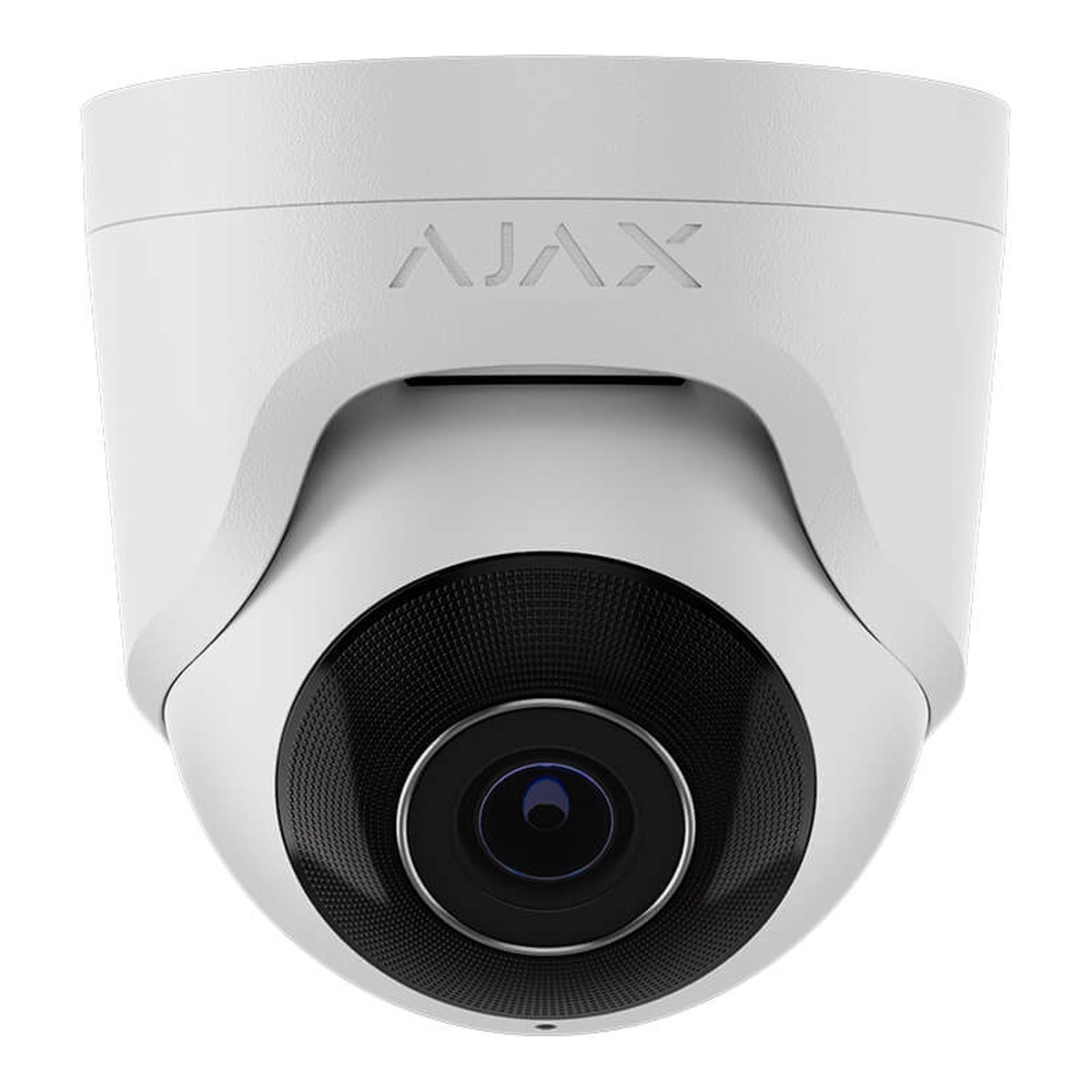
Ajax TurretCam
The outdoor workhorse. Goes under an eave or on a wall to cover a driveway, gate or yard — the one we fit most often on Auckland homes.
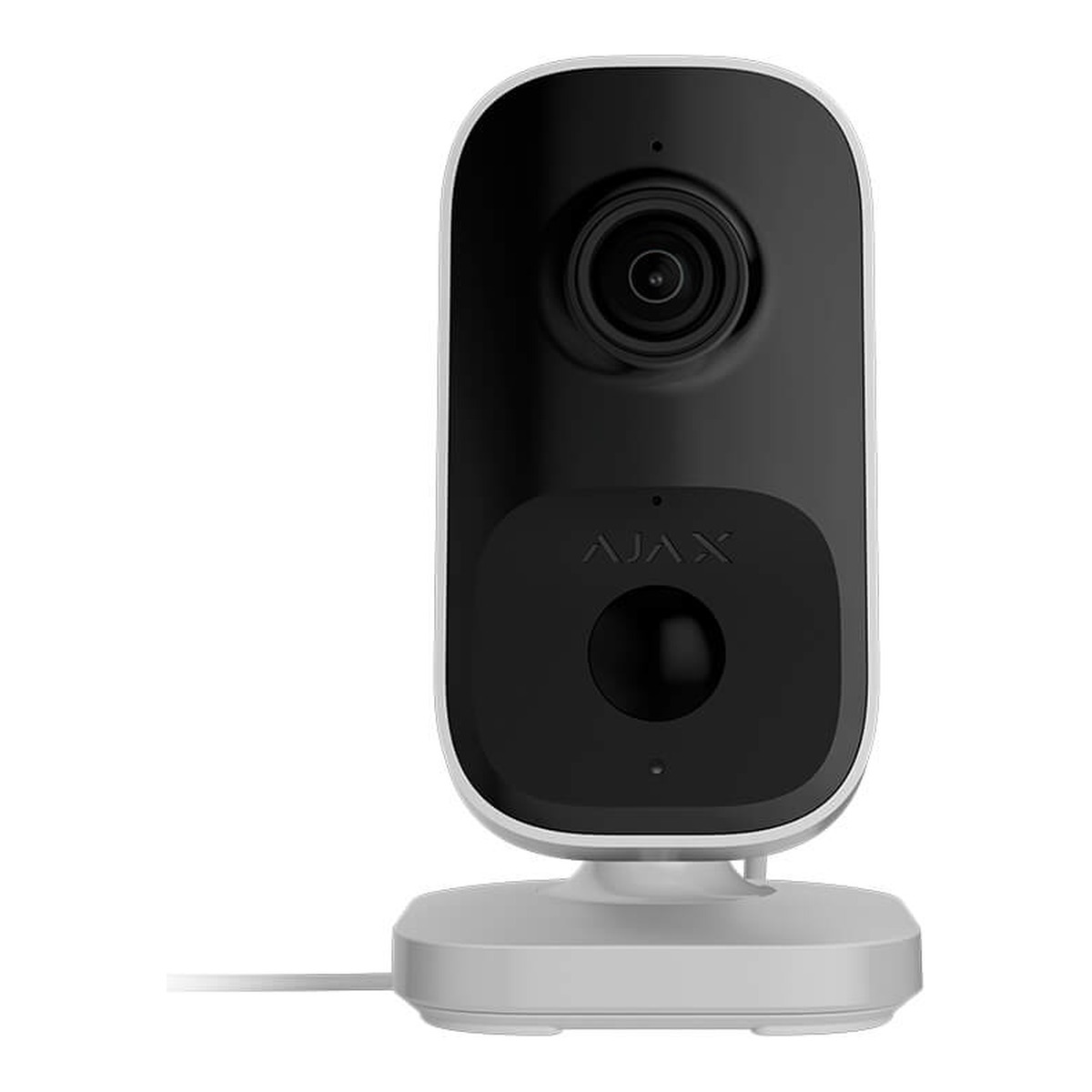
Ajax IndoorCam
For inside the house or premises: a hallway, a stockroom, the room a back door opens into.
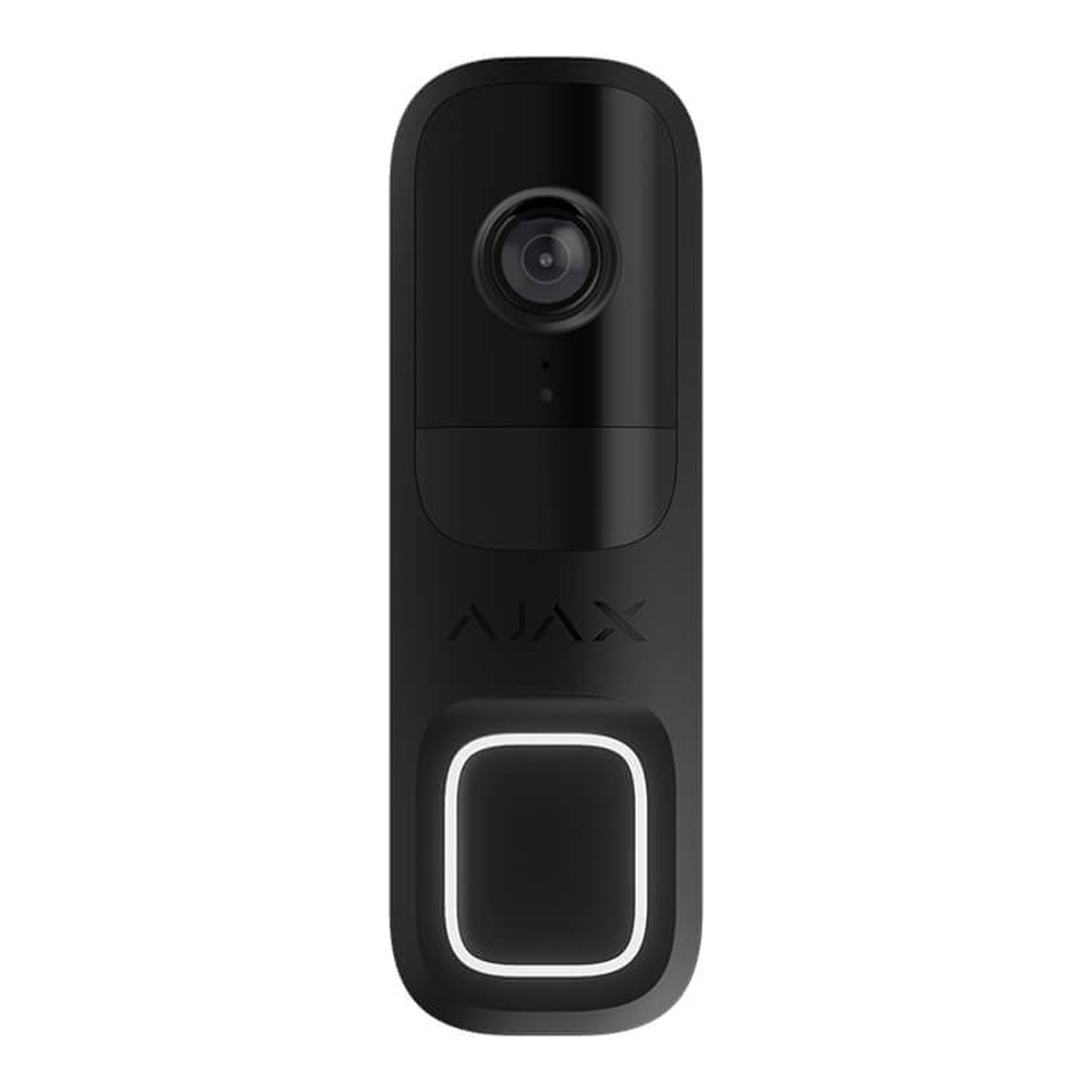
Ajax DoorBell
A camera at the front door with a PIR sensor, so it sees someone approach rather than waiting to be pressed.
Recorders
The recorder sets how many cameras you can run and how many days of footage you keep. We size it to the site rather than selling you the biggest one.
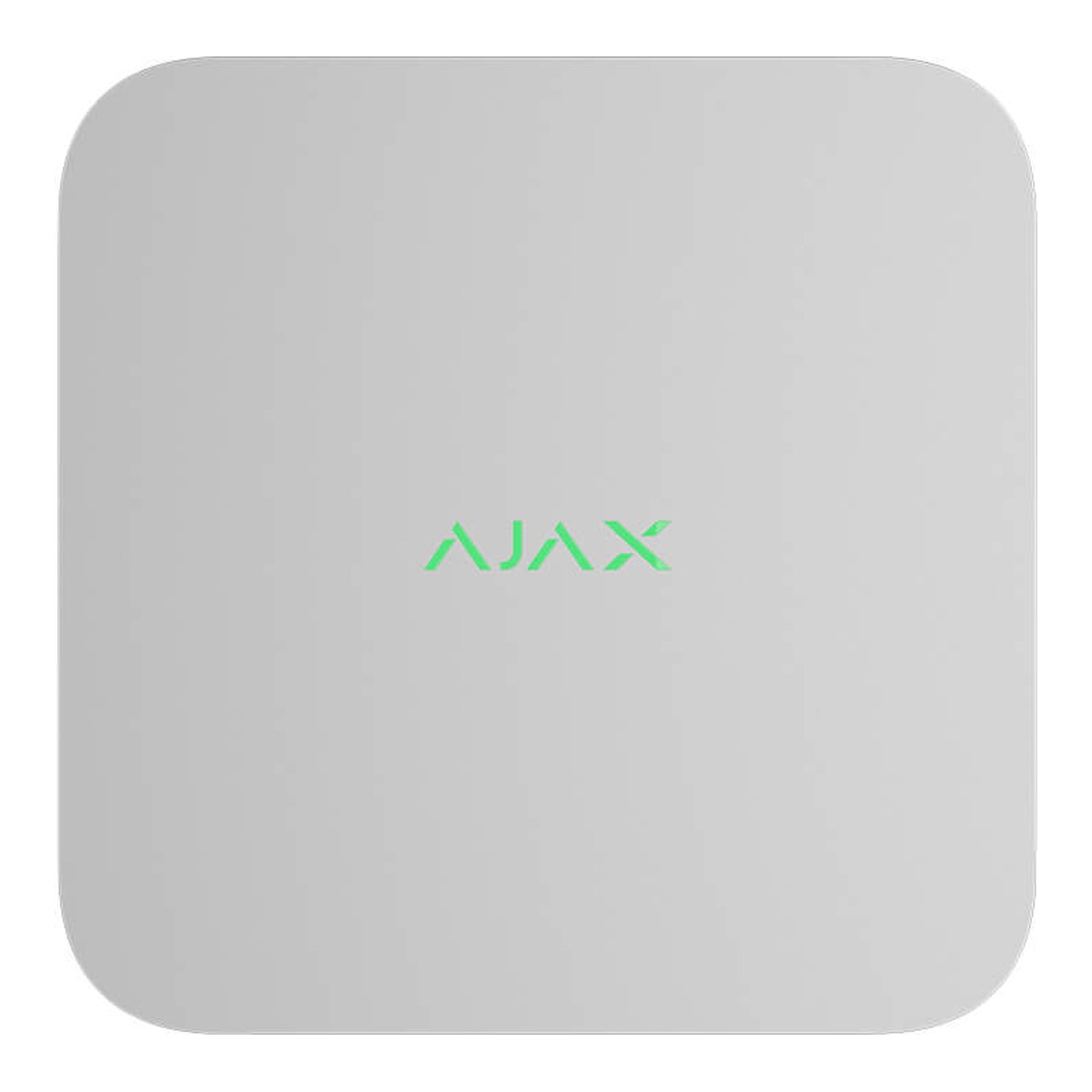
Ajax NVR
The standard recorder for a house. Keeps footage on site so you still have it when the internet drops — which is usually exactly when you want it.
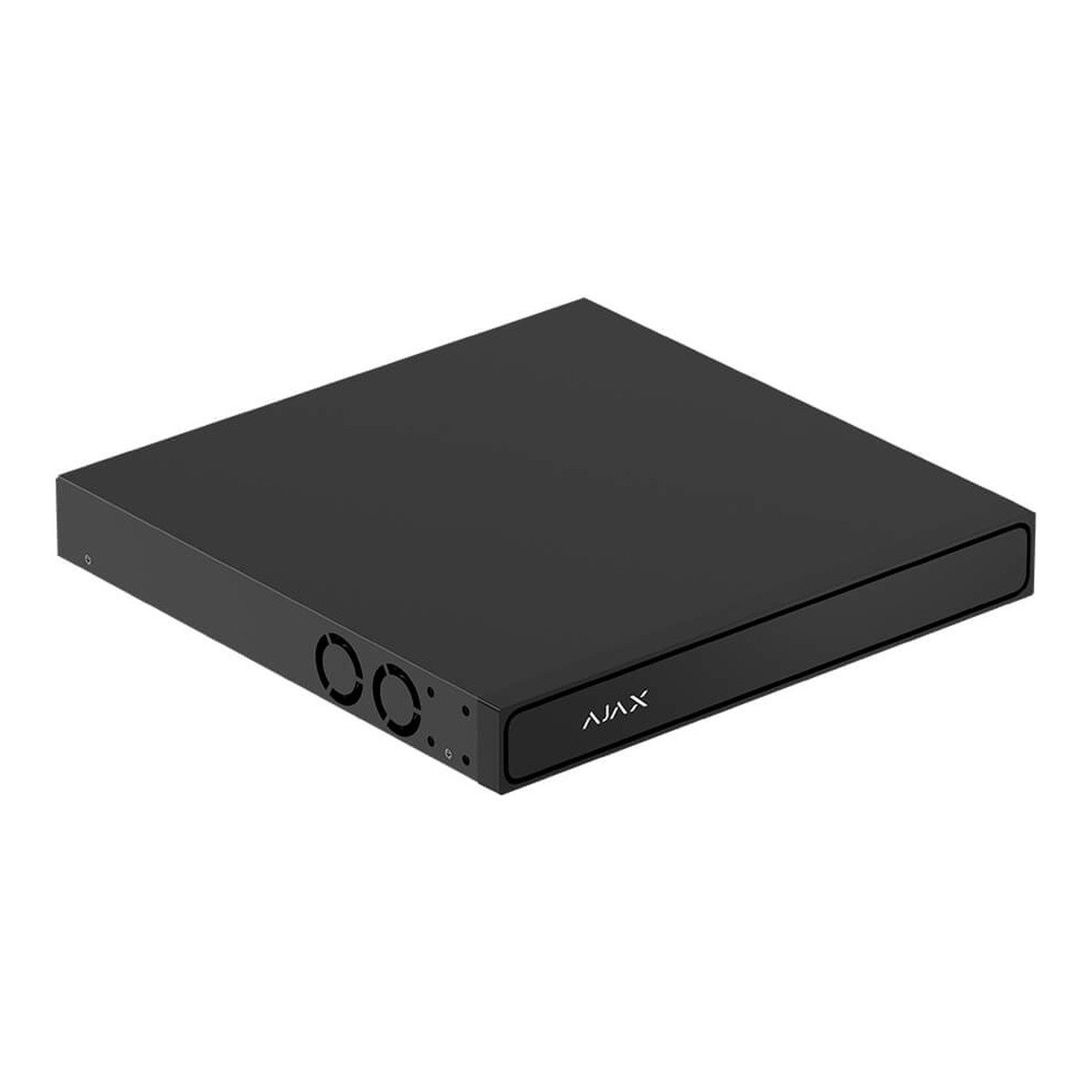
16-Channel NVR
For larger homes and commercial sites: more cameras on one recorder, and PoE so a single cable carries power and video to each camera.
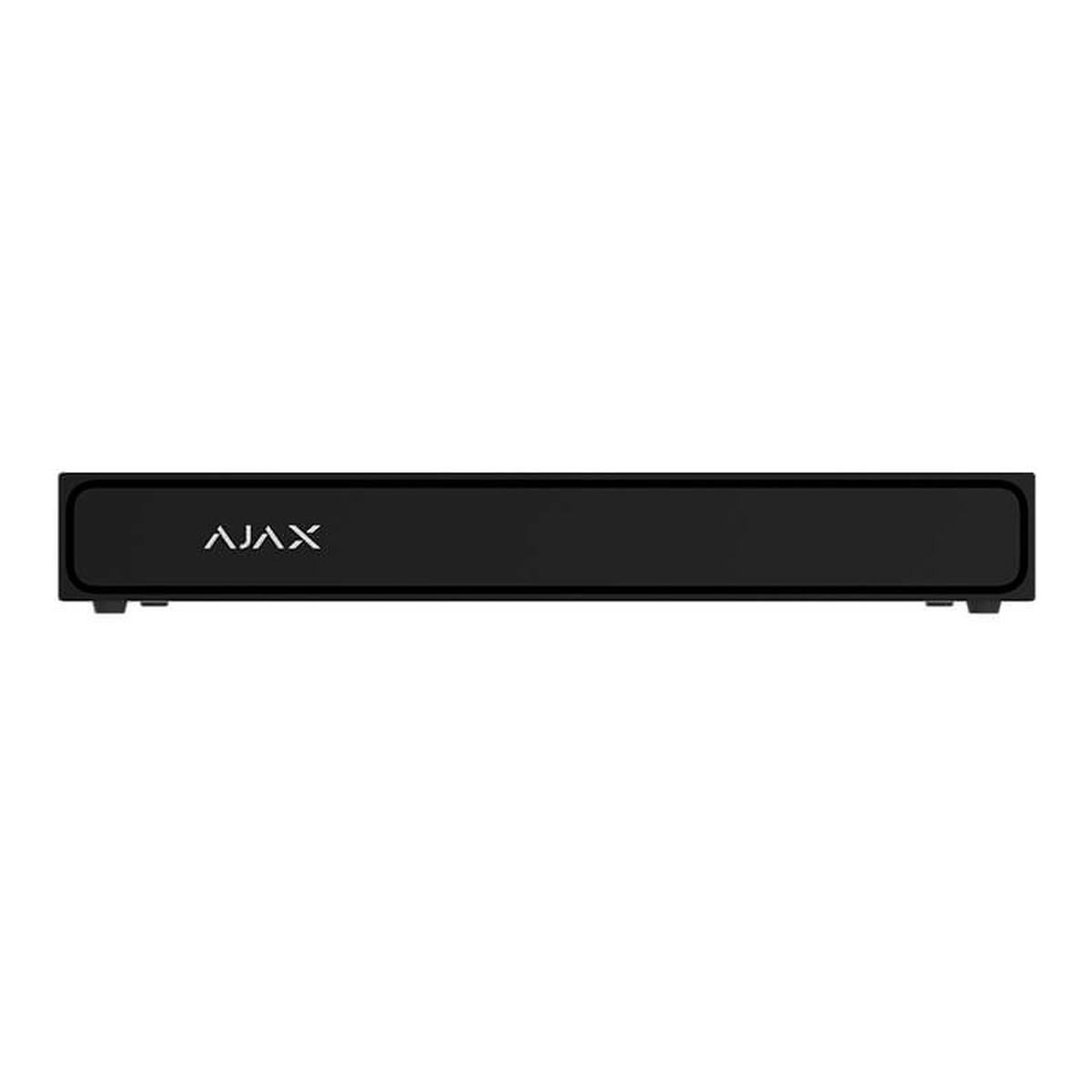
Superior NVR
Adds AI search across recorded footage — find the person or the vehicle without scrubbing through hours of it.
Placement beats specification
A camera is only worth what you can tell from the footage. Most disappointing systems fail on placement, not on the camera — mounted too high so you get the top of a head, pointed into the afternoon sun, or covering a wide scene where the person is forty pixels tall. We would rather fit fewer cameras in the right places than ring a house with cameras that all record the same useless angle.
The other half is where the recording lives. Cloud-only means no footage if the internet is down, which is exactly when you want it. An NVR on site keeps the recording locally, and you can still view it remotely through the app.
On the coast — the Shore, Bucklands Beach, anywhere with salt in the air — where a camera is mounted decides how long it lasts. Under cover and out of the prevailing wind beats a higher spec every time.
How we fit a camera system
Free Site Assessment
We walk the property and work out what you actually need to see: who comes to the door, what happens at the gate, the side nobody overlooks.
Clear Upfront Quote
Fixed price before the work starts, itemised so you can see what each camera is for and drop any you do not want.
Professional Installation
Cabled properly, terminated in a junction box, aimed and focused on site rather than left at whatever the default was.
Handover & Training
Set up in the app with your own login, shown how to review footage and export a clip if you ever need to hand one over.
Worth reading next
CCTV installation
The wider camera page — all brands, and how we approach a camera system.
Read moreAjax alarm systems
The alarm side of the same system, wireless and wired.
Read moreAjax Hub 2 Plus
The hub the whole system reports to, cameras included.
Read moreAjax DoorBell
The video doorbell that runs in the same app.
Read moreReal reviews from real Aucklanders
"Exceptional service and after care is phenomenal. Joe is extremely fair with his pricing and what he charges. We had our security cameras placed over 2 years ago and he continues to provide free aftercare service when appropriate."
"I contacted Joe from Level Up Electrical to install new lights and camera feed at our commercial business in Kumeu. Joe was very professional from the start, offered a competitive quote and on acceptance completed the project on time."
"Joe installed security cameras and alarms at our new premises at short notice and did a fantastic job. He arranged everything and made the whole process seem easy, completed the job exactly when he said he would."
"Ryan was on time, very polite and well mannered, very relational and genuine. Ryan was very thorough, calm and patient and was very efficient with his installation of our CCTV and sensor lights."
Common questions
Yes — more closely than most people expect. They run in the same app on the same hub, and when the alarm is armed a camera can raise the alarm itself and sound the sirens. The people with access to one have access to the other.
Yes, on a current Ajax system. Set to alarm while armed, a camera works like a detector: a person, vehicle or motion in view raises the alarm and sounds the sirens. It needs an Ajax hub and up-to-date firmware, which we check at install.
Not if it is set up properly. The camera recognises people, pets and vehicles, so you choose which of those count, and line crossing on a TurretCam only alarms when someone crosses the line you draw.
Yes. Recording can be set to armed-only, privacy masks can blank out areas such as a neighbour's window, and viewing can be limited to armed periods or to after an alarm.
Yes, live and recorded, from anywhere. It is the same Ajax app you use for the alarm, so there is no second login to remember.
It depends how much you would miss the footage. Cloud is simpler; an NVR keeps the recording on site so you still have it if the internet drops — which is often exactly when something has happened. We will tell you which your situation warrants.
Fewer than most quotes suggest. What matters is covering the ways in and the approach, with each camera close enough to identify a person rather than record a shape. Four well-placed cameras beat eight badly placed ones.
Yes. Where a camera sits relative to your outside lighting matters as much as the camera itself, though — a light shining straight into the lens ruins the picture, so we take that into account when siting them.
If it is an Ajax system, yes, cameras add to the existing hub. If your alarm is an older panel from another brand, the cameras will still work as a standalone system — you just will not get the one-app benefit until the alarm side is Ajax too.
See What Is Actually Happening
Free site assessment across Auckland, a fixed quote before the work, and cameras placed where they will tell you something.
Get a Free Quote