
Ajax MotionCam
Auckland
A motion detector that photographs whatever set it off. Instead of an alert that tells you nothing, you get pictures on your phone and can see in seconds whether it is an intruder, a cat, or a curtain in front of a heat pump.
An alert that tells you nothing is worse than no alert
Here is the situation a standard alarm puts you in. You are out to dinner, your phone buzzes, and the app tells you the lounge sensor has triggered. That is all it tells you. You do not know whether someone is in your house or whether the cat has knocked something over.
So you do one of two things. You drive home, ruin your evening and find nothing — or you decide it is probably nothing, ignore it, and hope. Do that a few times and you have trained yourself to dismiss your own alarm. That is the real cost of an alarm you cannot verify: not the false trigger, but what the false triggers teach you.
MotionCam removes the guess. When the detector triggers while the system is armed, it takes a short series of photos and sends them to your phone with the alert. You look at the pictures and you know.
What MotionCam actually does
Photos With The Alarm
When the detector triggers on an armed system it captures a short series of images and delivers them alongside the alert, so the notification arrives with the evidence attached.
Works In The Dark
An infrared illuminator lets it photograph a dark room. Break-ins do not politely wait for daylight, and neither does the detector.
Only When Armed And Triggered
It is not a camera watching your lounge. It takes photos only when the system is armed and that detector alarms — there is no live feed and no continuous recording.
Encrypted End To End
Images travel encrypted through the same Ajax channel as the rest of the system, not over some separate third-party service.
Battery, Not Cabling
It runs on batteries measured in years and mounts on the wall, so it retrofits into a finished house with no cable runs and nothing to make good afterwards.
Indoor And Outdoor
There are versions for inside and for outside, so you can put verification on the approach to the house as well as in the rooms.
What you actually get on your phone
The alert lands in the Ajax app the way any alarm notification does, except the images come with it. You open it and you are looking at the room — the spot that triggered, at the moment it triggered. No logging in anywhere else, no separate app, no waiting to get home.
Every alarm event stays in the app afterwards, timestamped, with its photos attached. That is the part people end up using most: you walk in, the alarm has been off, and instead of guessing you scroll back and see exactly what happened and when. If there is more than one person on the system, everyone who should get the alert gets the pictures too, so nobody is relaying descriptions over the phone.
What it really buys you is a five-second decision instead of a twenty-minute one. Ring someone, ring the police, or put your phone down and go back to your meal — and know which of those is the right call.
It also changes how you treat the alarm over time. People stop using alarms because the alerts stopped meaning anything. An alert that shows you the room does not decay into background noise the way a bare notification does.
Worth being clear about the limits: MotionCam is a detector that takes photos, not a CCTV system. If you want continuous recorded coverage, footage you can scrub back through, or cameras that identify a face at a gate, that is a camera system and we would tell you so.
How we fit it
Free Site Assessment
We walk the property, work out where entry actually happens, and decide which rooms genuinely need verification rather than blanketing the house.
Clear Upfront Quote
A fixed price before anything starts. If you already have an Ajax hub, MotionCam detectors add to it — no need to replace the system.
Professional Installation
Mounted, aimed and tested. Aiming matters more with MotionCam than with a plain sensor, because a badly aimed detector photographs a wall.
Handover & Training
We show you what a real alert looks like in the app, and set the system up so it is not photographing your own family every evening.
Worth reading next
Ajax Hub 2 Plus
The hub MotionCam detectors report to. Worth getting right first.
Read moreAjax alarm systems
The full Ajax range, wireless and wired, and how the pieces fit together.
Read moreAjax DoorBell
The video doorbell that runs in the same app, on the same system.
Read moreCCTV installation
If what you actually want is recorded footage, this is the page you want.
Read more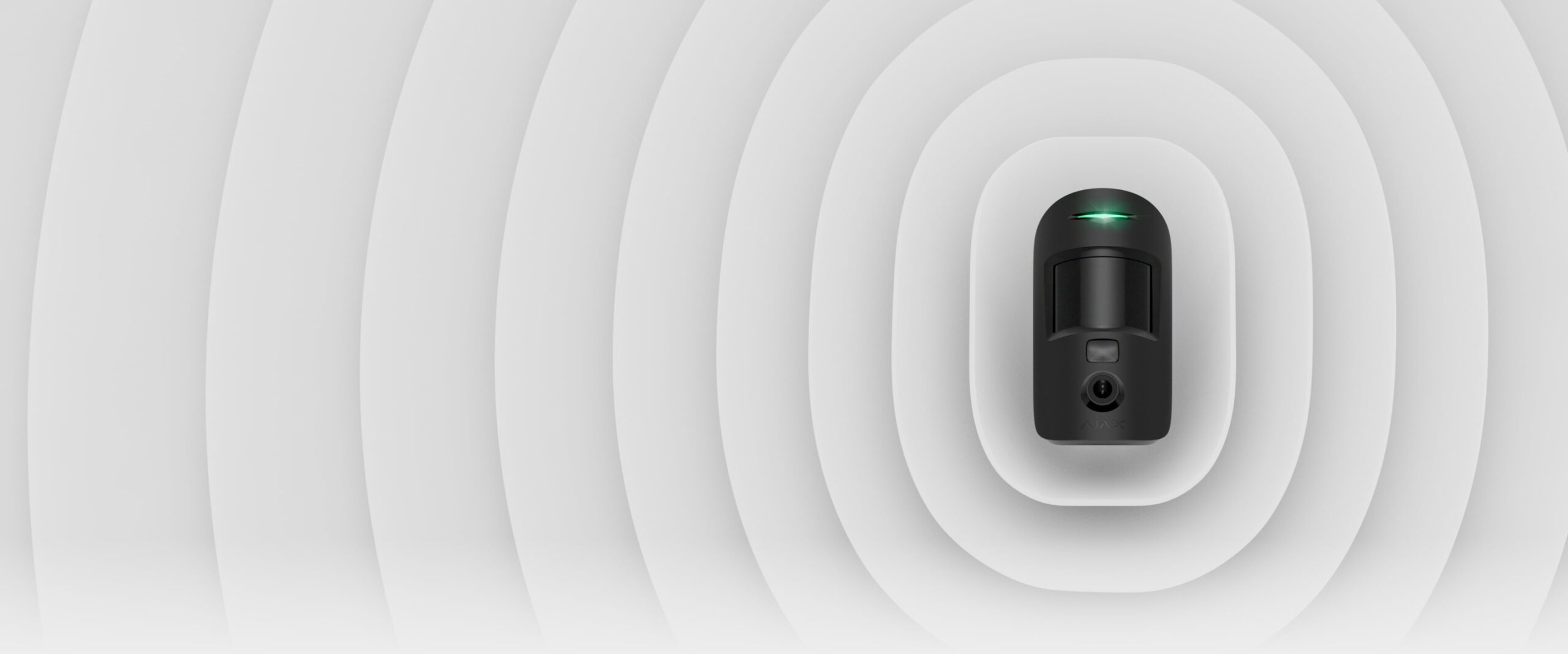
The alert and the evidence, together
This is the moment the whole product exists for. The notification arrives, and the photographs are already attached to it — you are not being told that something happened, you are being shown what.
Everything else follows from that. You know whether to ring someone. You know whether it can wait. And you stop treating your own alarm as background noise.
Common questions
No. It photographs only when the system is armed and that detector triggers. There is no live view, no continuous recording, and nothing to scroll through. If you want a camera you can look at whenever you like, that is CCTV, and it is a different product.
If it is an Ajax system, yes — MotionCam detectors add to an existing hub like any other Ajax device. If it is an older non-Ajax panel, the detector will not talk to it, and we would look at what replacing the hub involves.
Yes. It has an infrared illuminator, so it can photograph a completely dark room.
Straight to the Ajax app on your phone, arriving with the alarm notification. They stay in the app's event history afterwards, so you can look back at what triggered and when rather than relying on what you remember.
Only if a pet triggers it while the system is armed. Detector choice and placement do most of the work here — we set it up so normal household movement in an armed house does not generate alerts you learn to ignore.
Years rather than months under normal use, and the app tells you well before one needs changing. Taking photos uses more power than a plain sensor, so heavy triggering shortens it.
See What Set It Off
Free site assessment across Auckland, a fixed quote before the work, and an honest answer about whether you need verification or a camera.
Get a Free Quote